
The AMS can be stopped by using the API dashboard, the REST API or through the shutdown-server script:
Using API dashboard
-
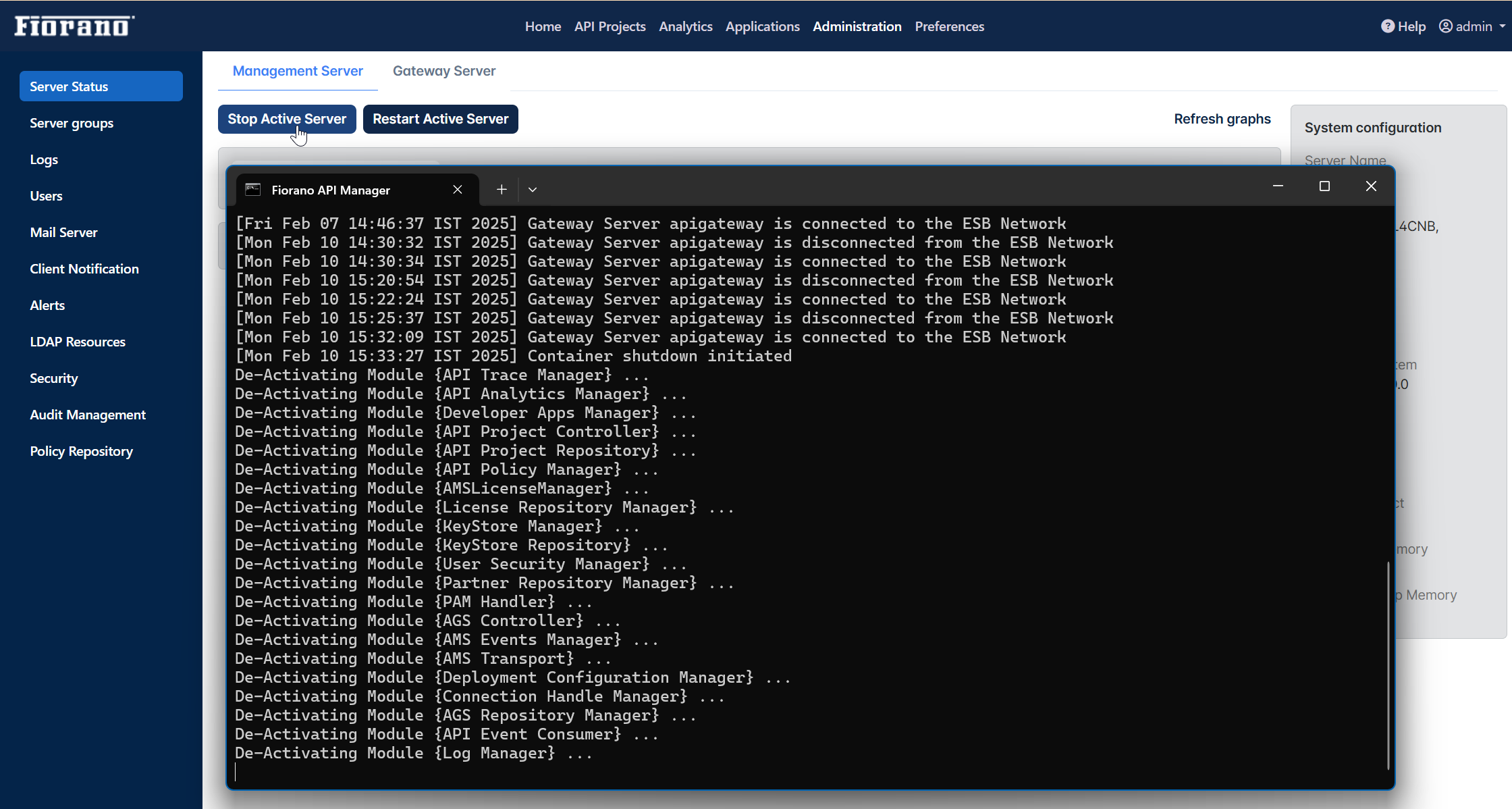
In the API dashboard, go to the Administration page.
The landing page of the Administration section is Server Status > Management Server.
-
In the Management Server tab, click the Stop Active Server button.
Using REST API
-
Use the default SwaggerUI: http://localhost:1981/swaggerui/
-
Navigate to Servers Resource.
-
Look for the API "/servers/shutdown-restart" with the description "Perform action (RESTART, SHUTDOWN)".
-
Provide the API Access Key and action as "shutdown" in the Action object.
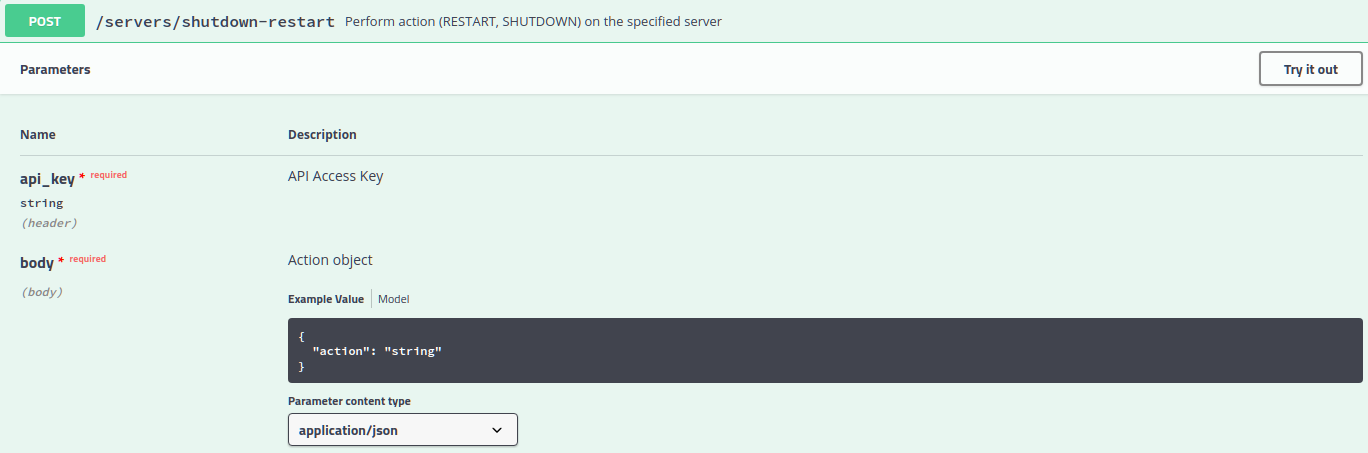
This API can be executed from any other client as well and execute the URL: http://localhost:1981/api/ams/servers/shutdown-restart
For this POST method,
-
api_key is passed as a header parameter
-
in the body, provide the JSON:
{
"action": "shutdown"
}
Using Script
The AMS can be shut down using the shutdown-server script present in the <fiorano_installation_dir>/esb/server/bin folder.
shutdown-server -connectorType RMI -user admin -passwd passwd -address localhost -rmiPort 2347
This makes use of an RMI connection to the AMS to initiate the shutdown.
-
-connectorType: Connection type to the server. Pass RMI for shutting down servers using RMI connection.
-
-address: IP Address of the server.
-
-rmiPort: RMI port of the server.