
Select the projects to be removed and click the Remove 
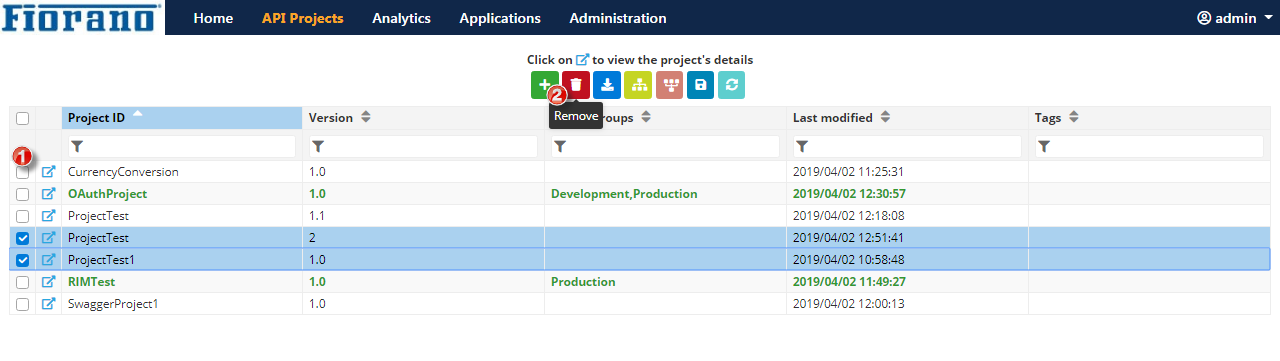
Figure 1: Removing a project
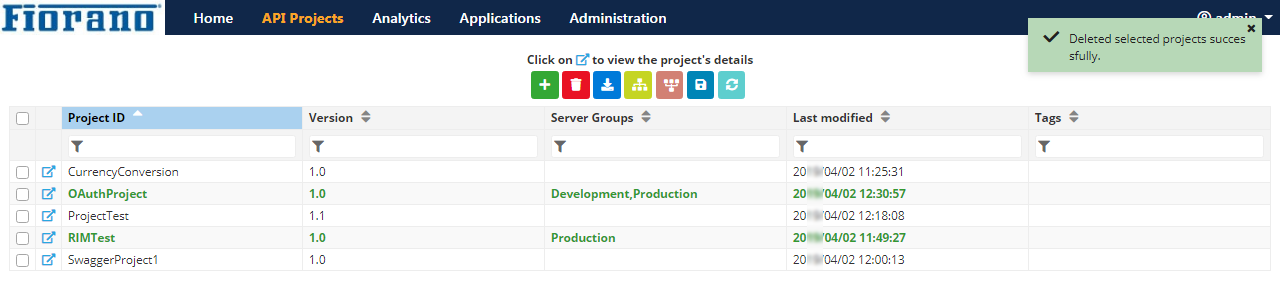
An acknowledgment that confirms deletion of the projects gets displayed on the upper-right part of the screen.
Removing a deployed project is not allowed.
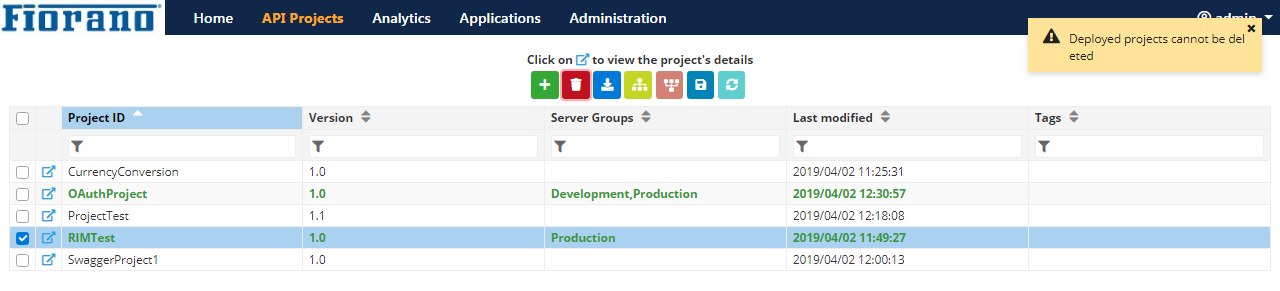
Undeploy the project from all the Server Groups and then remove it.