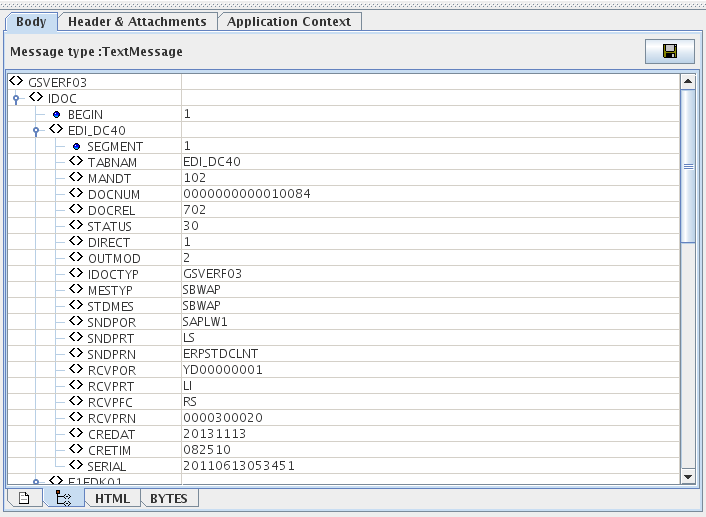
SapR3Monitor acts as a JCoIDocServer to receive IDOCs from the SAP System. The JCo server program is registered in the component via the SAP Gateway and waits for inbound IDOCs.
Points to note
The following third-party files need to be downloaded to use this component in Windows.
-
sapjco3.jar
-
sapidoc3.jar
-
sapjco3.dll (Windows) OR libsapjco3.so (Linux)
The files can be downloaded from the SAP Service Marketplace. The following URL may be used to navigate to the third-party website from where these files can be downloaded: http://service.sap.com/.
After downloading the files, you need to add resources to a microservice to the SAPR3 component.
Configuration and Testing
SAP Logon Settings
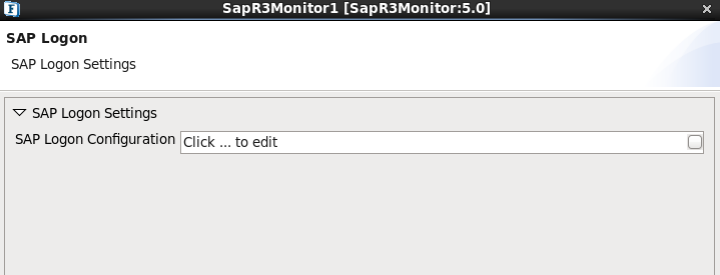
SAP Logon Configuration
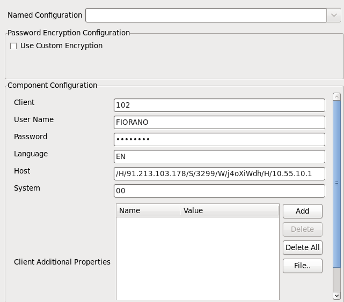
-
Client: SAP Logon Client
-
User Name: SAP Logon user
-
Password: SAP Logon Password
-
Language: SAP Logon Language
-
Host: Host name of the application server
-
System: SAP system number
-
Client Additional Properties: Provide the additional properties for the Client
Server Connection Settings
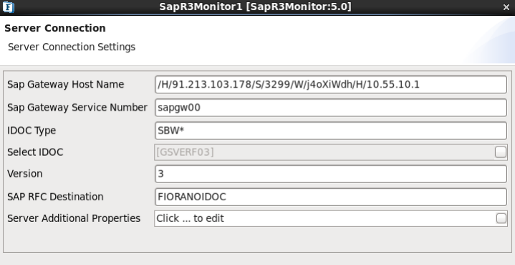
-
Sap Gateway Host Name: Enter the SAP gateway hostname.
-
SAP RFC Destination/Program Id: Enter the program ID in SAP RFC Destination. The program ID is configured under the sm59 transaction of SAP.
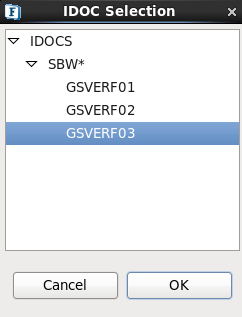
IDOC Selection
Provide the IDOC Type and then select the IDOC from the IDOC Selection Dialog as shown in the figure. IDOC Extensions if any, will be shown in the brackets.
Functional Demonstration
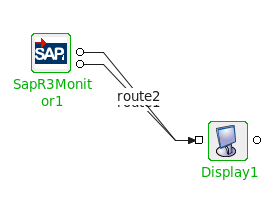
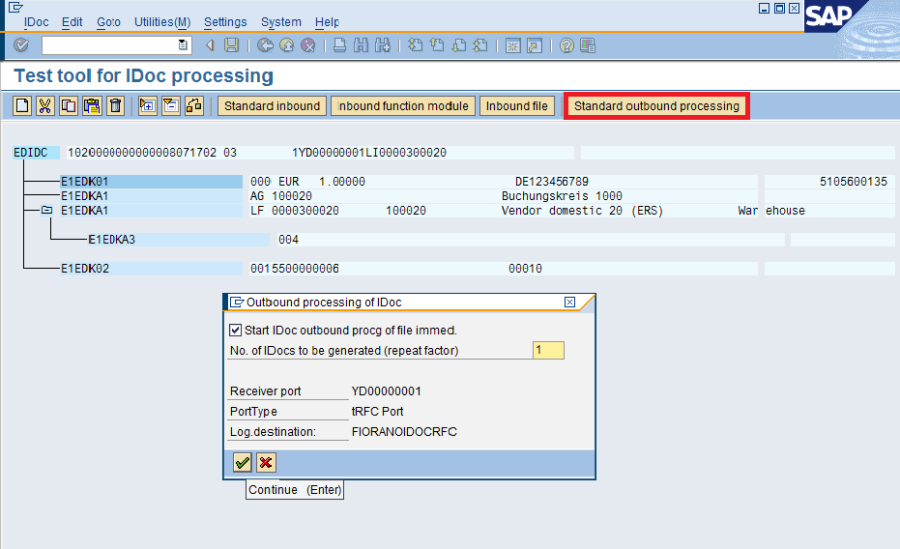
The image below shows Outbound IDOC Processing from SAP GUI Test tool(code: we19)