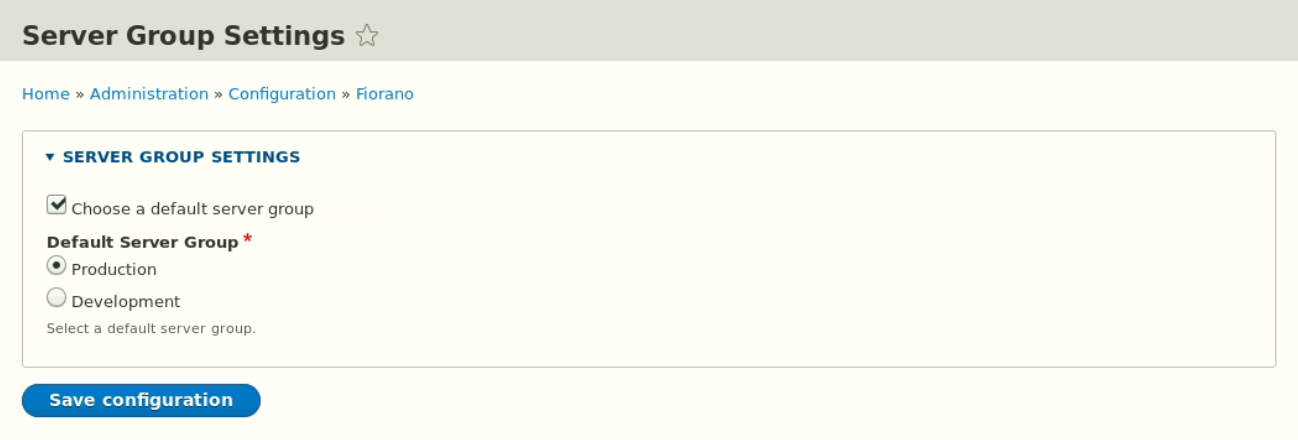
A default server group can be configured for the developer portal. After it is selected, users can only login, register and develop APIs in that default server group only.
-
Go to Configuration > Fiorano > Server Group Settings.
-
Click the Choose a default server group checkbox.
-
Select a server group and click Save Configuration.