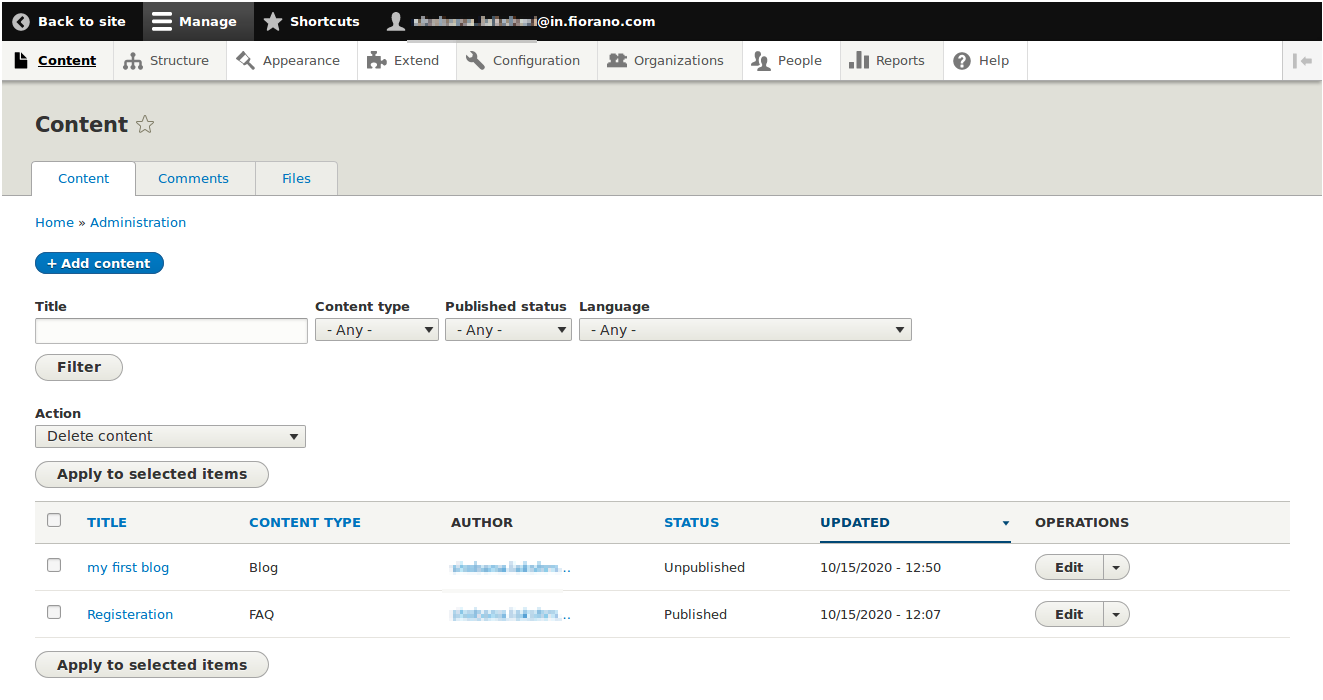
To create a blog, perform the following actions:
-
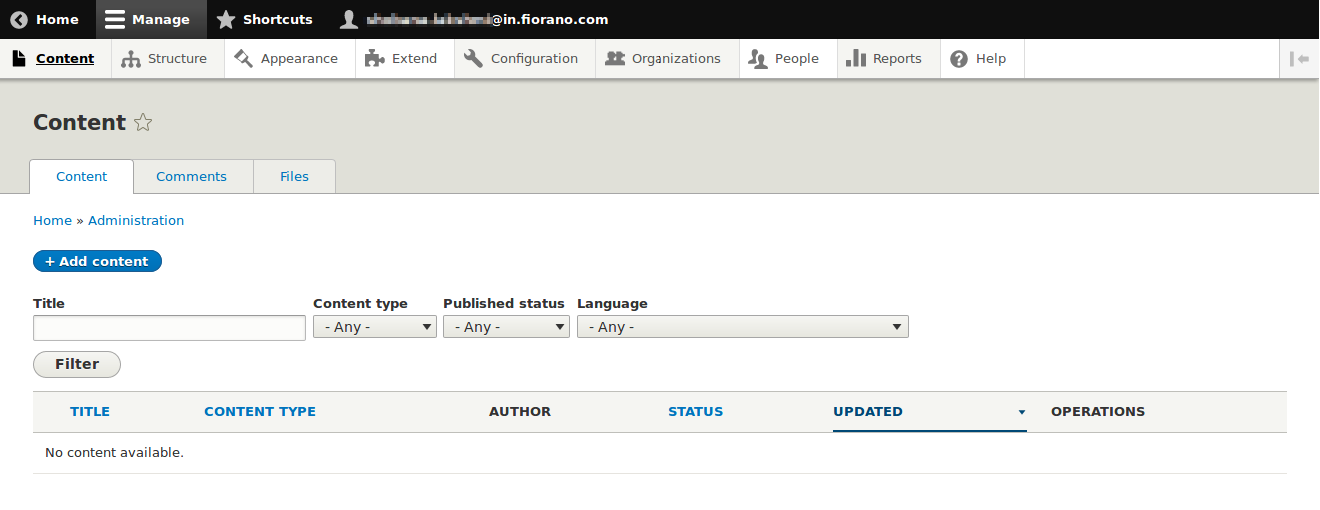
Navigate to the Content section and click the Add content button.
-
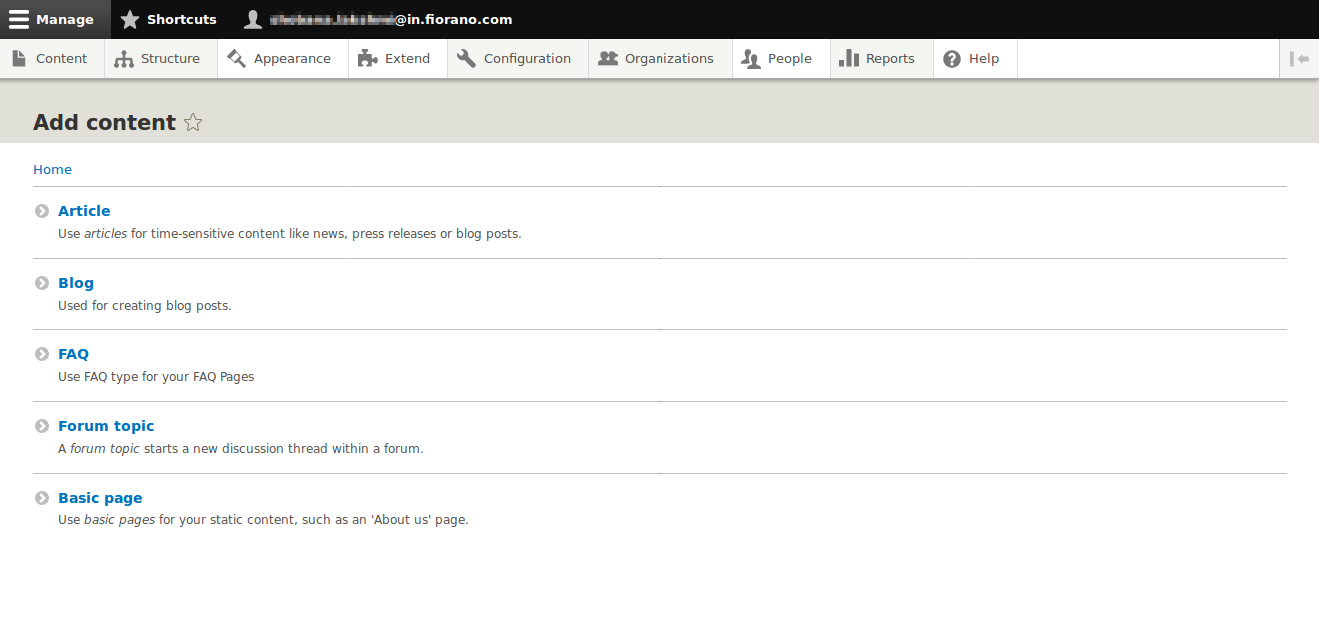
Select 'Blog' in Add content page.
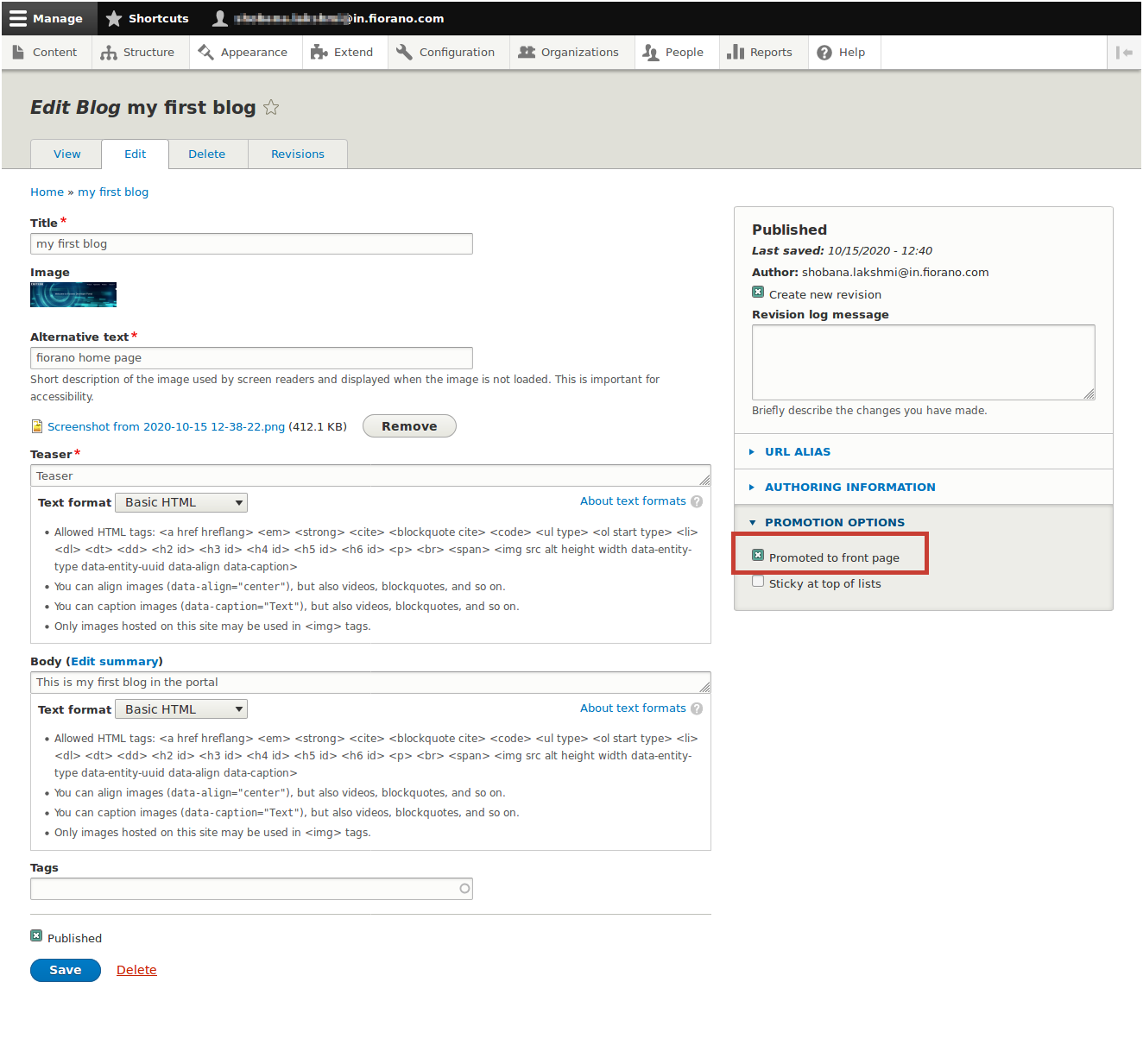
Create Blog page will be opened.To prevent blogs to get displayed on the portal’s front page, disable the Promted to front page option under Promotion Options.
-
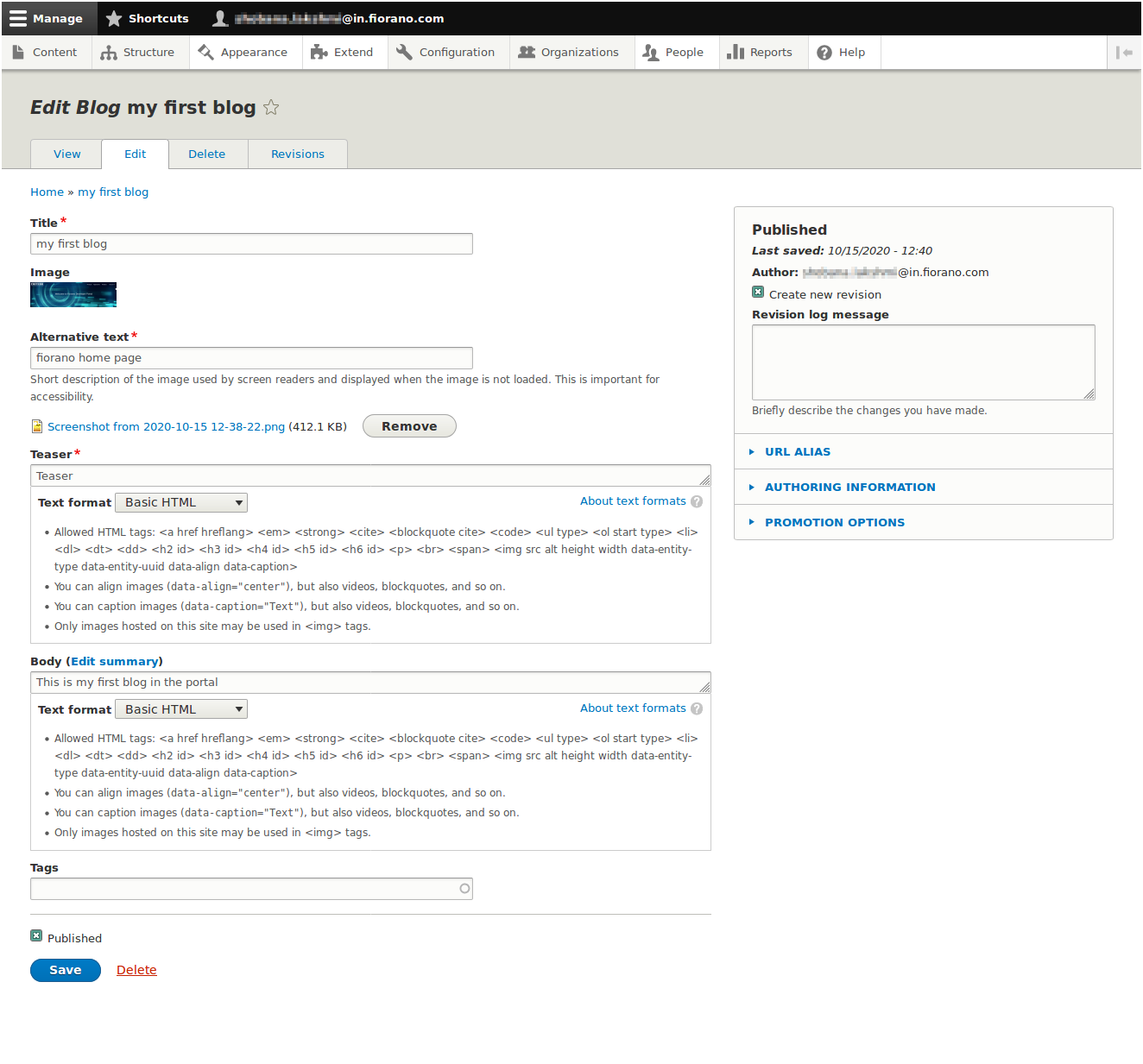
In 'Create Blog' page,provide title, image, teaser and body of the blog and click save.The blog will be published if published checkbox is set.
-
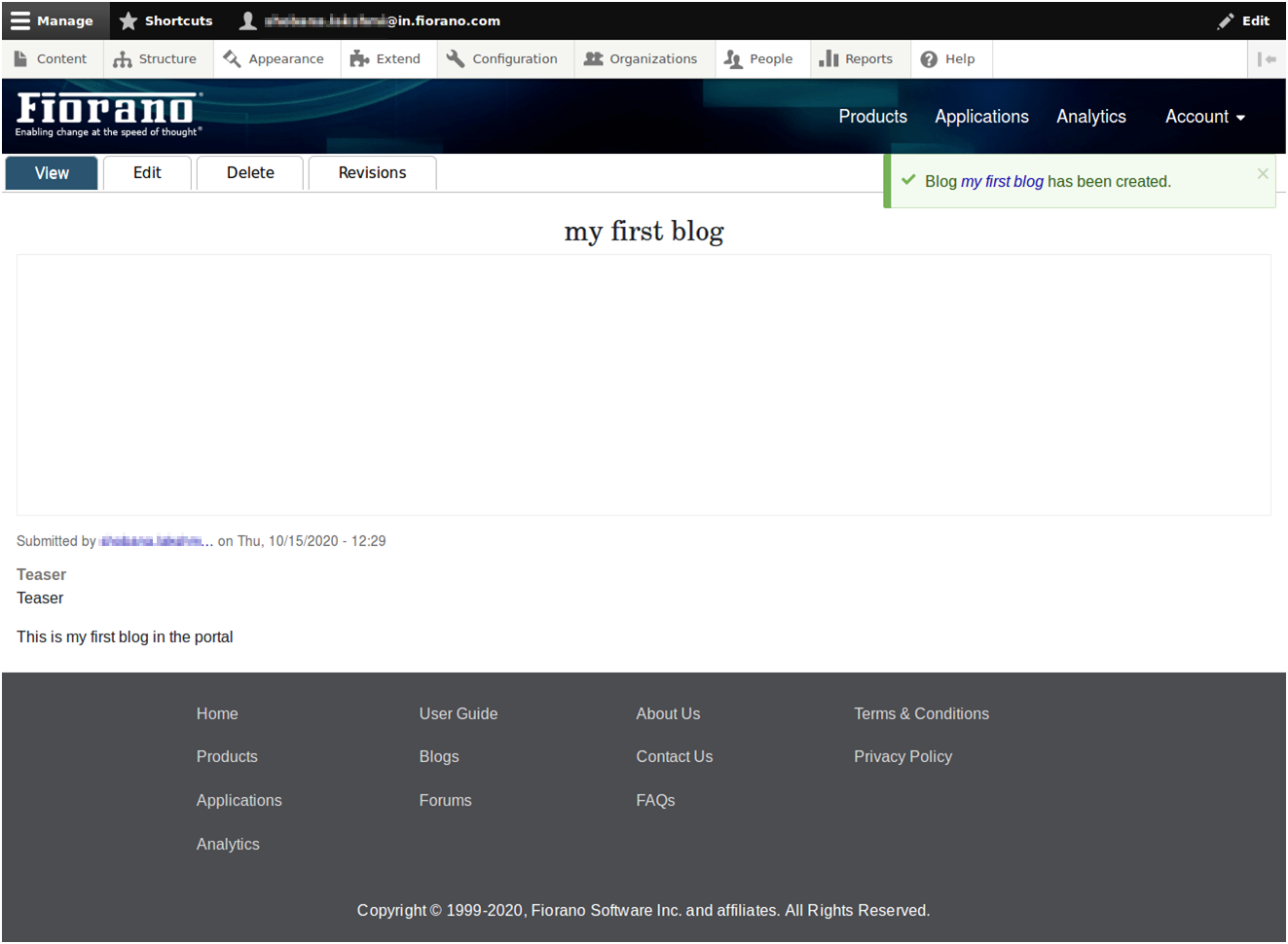
Blog will be created and following message will be shown.The blog can be edited and deleted using the tabs.
To view the created blog, click the Blogs link in footer
-
Created blog will be shown there. By clicking Read more, the entire blog can be viewed.
-
Blogs can be further edited, by navigating to content and clicking 'edit' button against the blog created