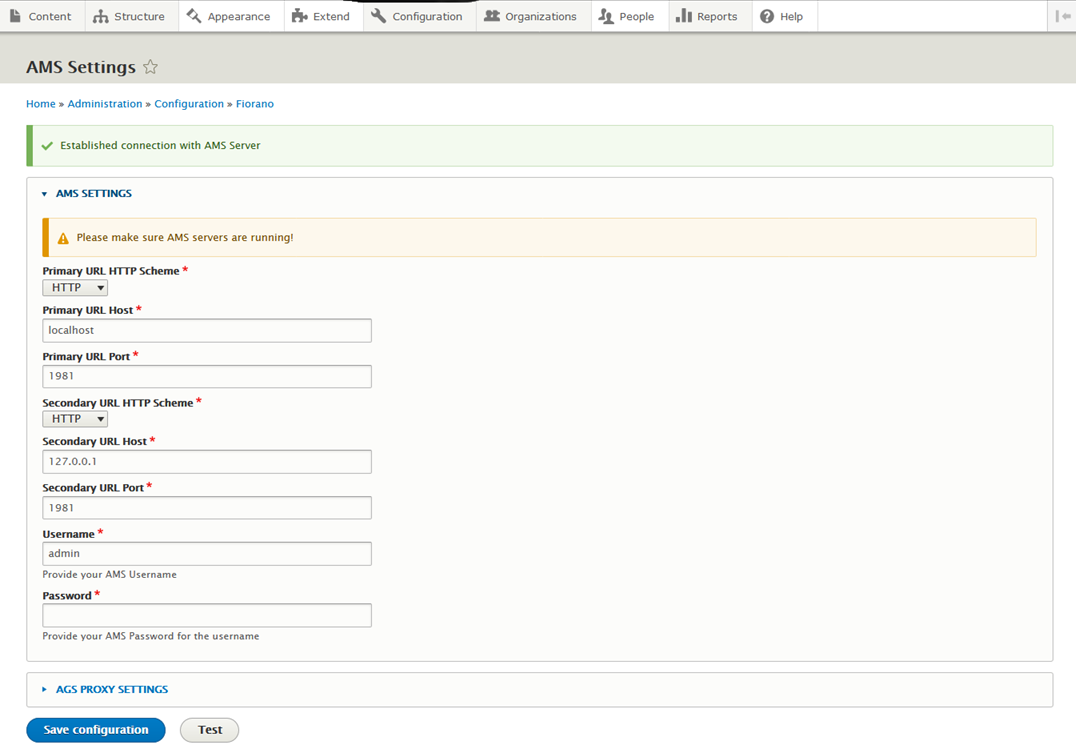
For Products, Applications, security and users data to be in sync with Developer Portal configuring AMS is required. AMS Settings can be reconfigured by logging into Developer Portal as admin.
-
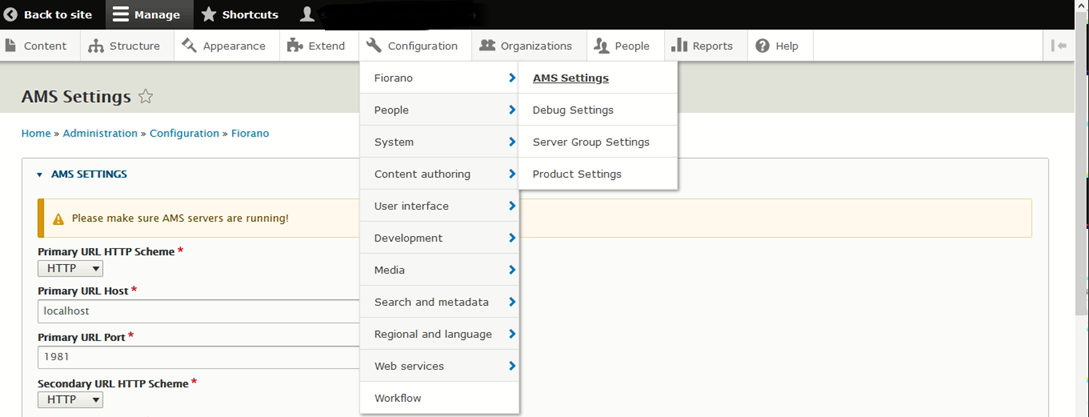
Navigate to Configuration > Fiorano > AMS Settings.
-
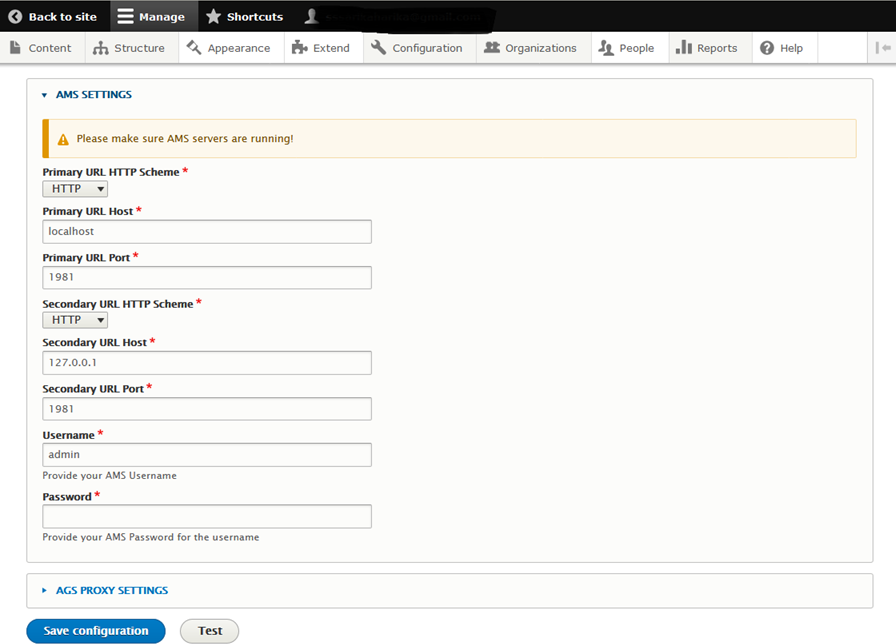
Provide a valid Primary and Secondary URL, Username, and Password and click the Test Button.
-
As the confirmation message appears on top of the page, click the Save Configuration button.