
This option allows viewing various representations of the metrics-specific chart as listed below:
-
Line
-
Bar
-
Radar
-
Horizontal Bar
-
Stacked Bar
Select the preferred option from the Chart Type drop-down list present at the upper-left part of the page.
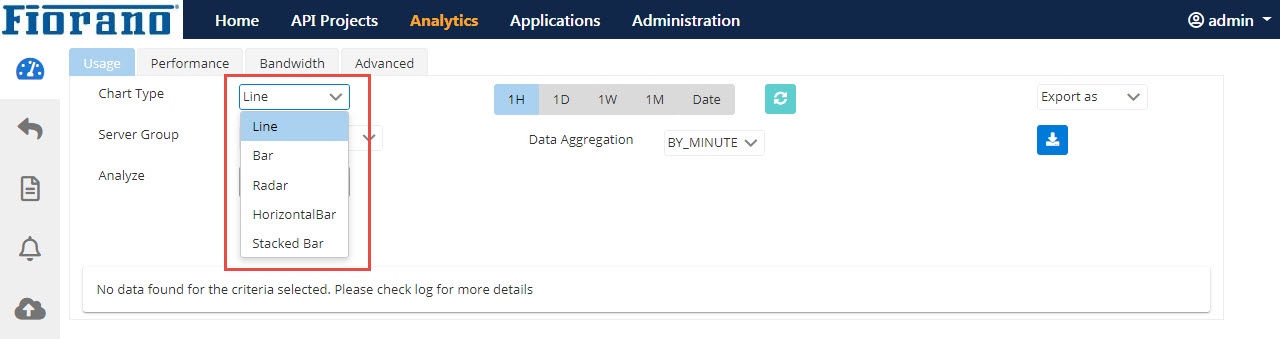
Figure 1: Analytics page with the Chart Type drop-down expanded
The Analyze Data and Analyze Trends options present at the upper-right part of the screen (just below Export As drop-down) are compatible only with the Line and Area chart types. These options will be in a disabled state for all other types.
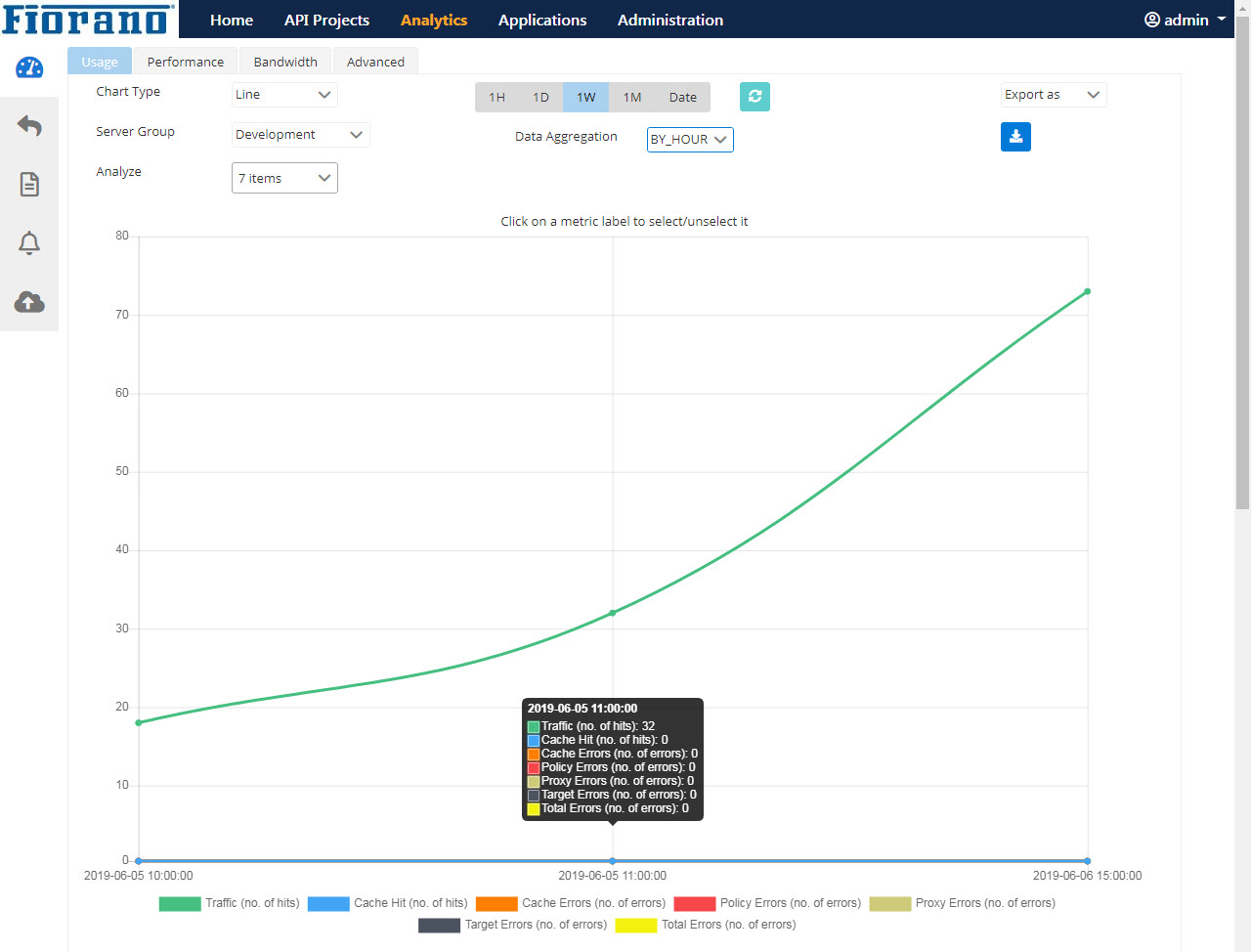
Figure 2: Line Chart Type sample
Click the metrics shown in the bottom of the screen to add/remove the metric from the graph.