
This configuration is done in the offline mode.
For information about configuring the FioranoMQ profile through a text based file, see FioranoMQ Getting Started.
-
Launch Fiorano Studio.
-
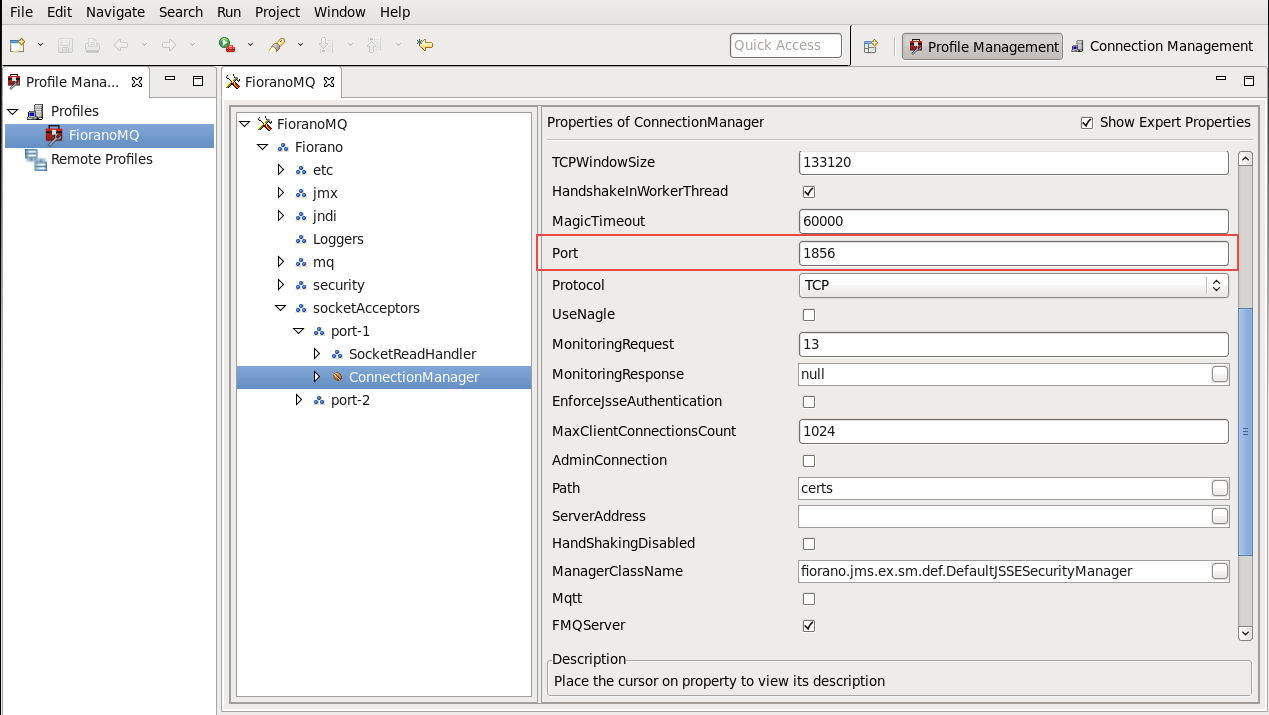
Select the Profile Manager pane, and open the profile whose port number is to be changed.
-
Navigate to the Connection Manager instance in the profile.
-
Edit the port number in the Properties pane.
-
Right-click the FioranoMQ node, and select the Save option from the pop-up menu.
Changing port number requires that the default connection factories created by the server be re-bound.