Amazon Simple Notification Service (SNS) is a highly available, durable, secure, fully managed Pub/Sub messaging service that enables you to decouple microservices, distributed systems, and serverless applications. Additionally, SNS can be used to invoke notifications to end users using mobile push, SMS, and email.
Component Configuration
The following properties can be configured in the Configuration panel as shown below.
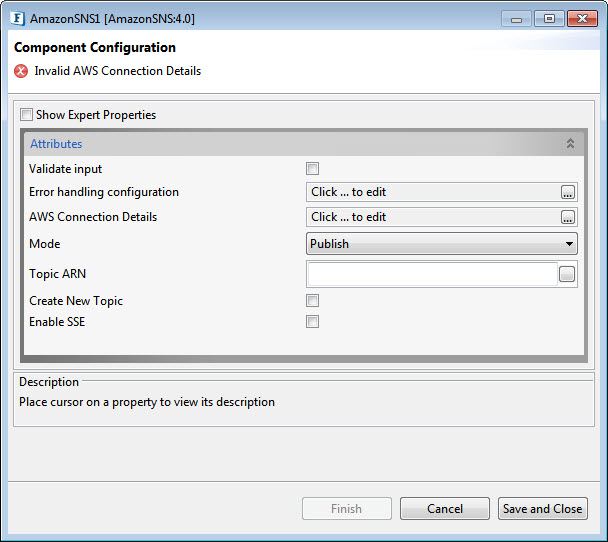
Validate Input
If this attribute is enabled, the service tries to validate the input received. If disabled, the service will not validate the input. For more details, refer Validate Input section under Interaction Configurations in the Common Configurations page.
Performance increases when Validate Input option is disabled, but it may cause undesired results in case the input XML is not valid.
Error handling configuration
The remedial actions to be taken when a particular error occurs can be configured using this attribute.
Click the ellipses button against this property to configure Error Handling properties for different types of Errors.
Refer to the Error Handling section in the Common Configurations page for detailed information.
AWS Connection Details
Click the AWS Connection Details ellipses button to configure the properties related to the AWS connection.
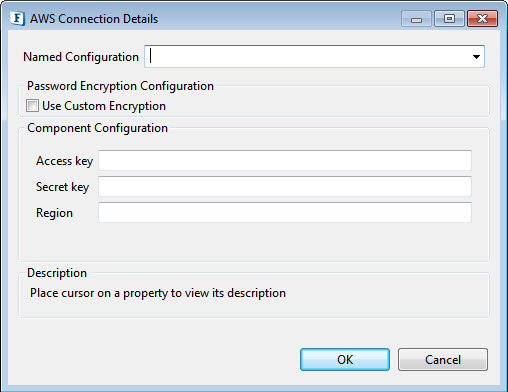
Access key
Specify the Access Key ID
Secret key
Specify the Secret Key
Region
The region of the AWS Management console.
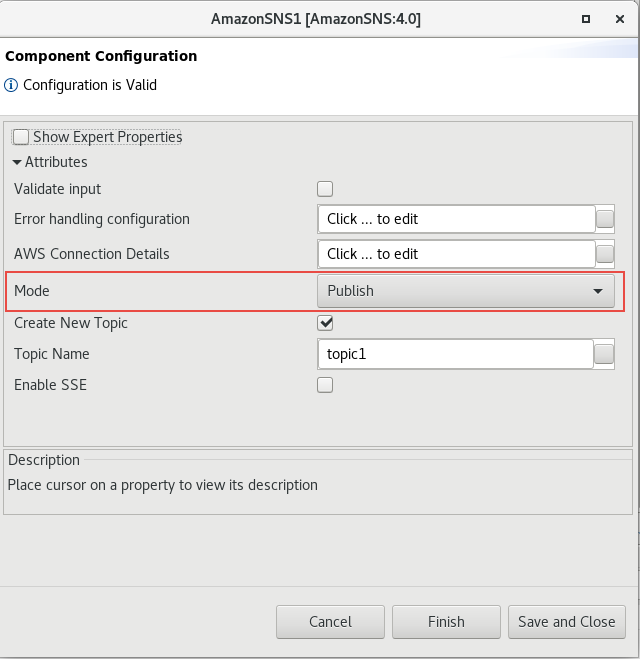
Mode
Specify whether to publish or subscribe to the topic.
Topic ARN
The Amazon Resource Name (ARN) that is assigned to the created topic.
Example
arn:aws:sns:ap-south-1:617281890357:topic1
Create New Topic
Enable to create a new topic.
Topic Name
Specify the Topic name.
Enable SSE
Enables server-side encryption (SSE) of topics for additional protection of sensitive data.
Expert Properties
Enable the Expert Properties view to configure these properties.
Expert properties are meant for advanced users. Use with caution!
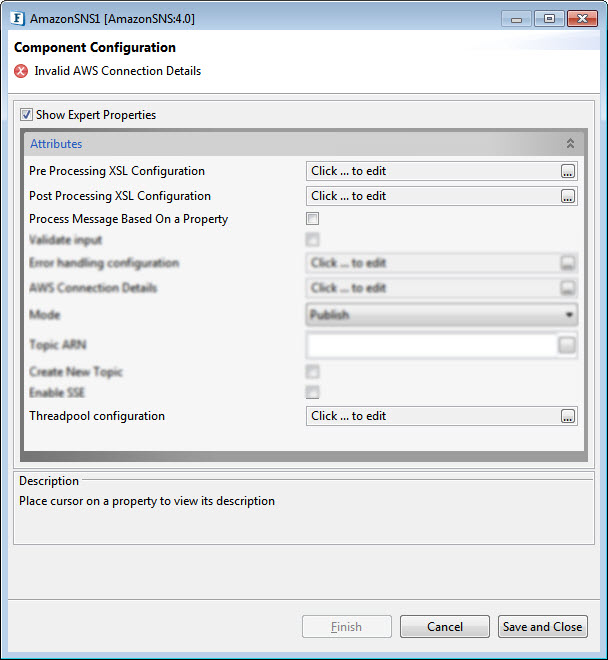
Pre Processing XSL Configuration
Pre Processing XSL configuration can be used to transform the request message before processing it. Click the ellipses button against the property to configure the properties.
Refer to the Pre/Post Processing XSL Configuration section under the Common Configurations page for details regarding Pre-Processing XSL configuration and Post-Processing XSL configuration (below).
Post Processing XSL Configuration
Post Processing XSL configuration can be used to transform the response message before sending it to the output port.
Process Message Based on Property
The property helps components to skip certain messages from processing.
Refer to the Process Message Based On a Property section under the Common Configurations page.
Threadpool Configuration
This property is used when there is a need to process messages in parallel within the component, still maintaining the sequence from the external perspective.
-
This needs to be used only in such circumstances.
-
If sequential processing is not required, please use sessions on the input port.
Click the Threadpool Configuration ellipses button to configure the Threadpool Configuration properties.
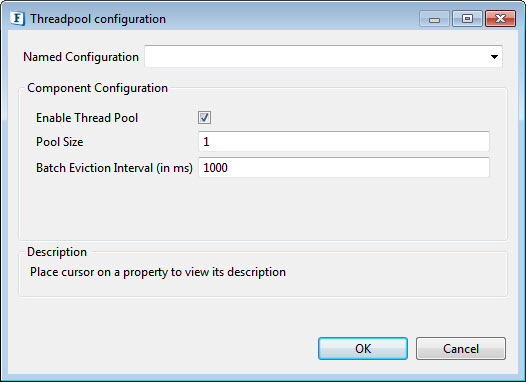
Enable Thread Pool
Enable this option to configure the properties that appear below.
Pool Size
The number of requests to be processed in parallel within the component. The default value is '1'.
Batch Eviction Interval (in ms)
Time in milliseconds after which the threads are evicted in case of inactivity. New threads are created in place of evicted threads when new requests are received. The default value is '1000'.
Functional Demonstration
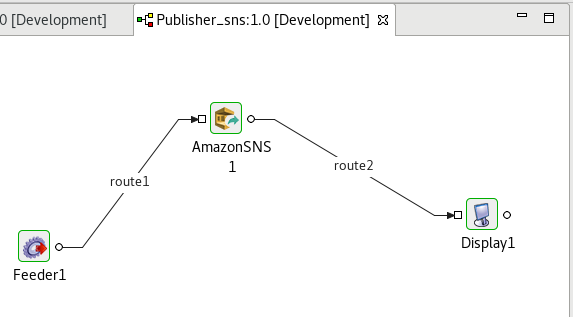
Configure the component with various operations as described in the component description and connect the Feeder and Display components to send input and receive output respectively.
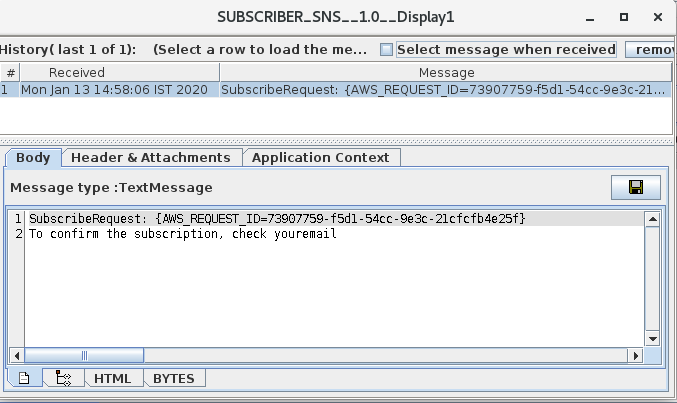
Scenario 1 - Subscriber
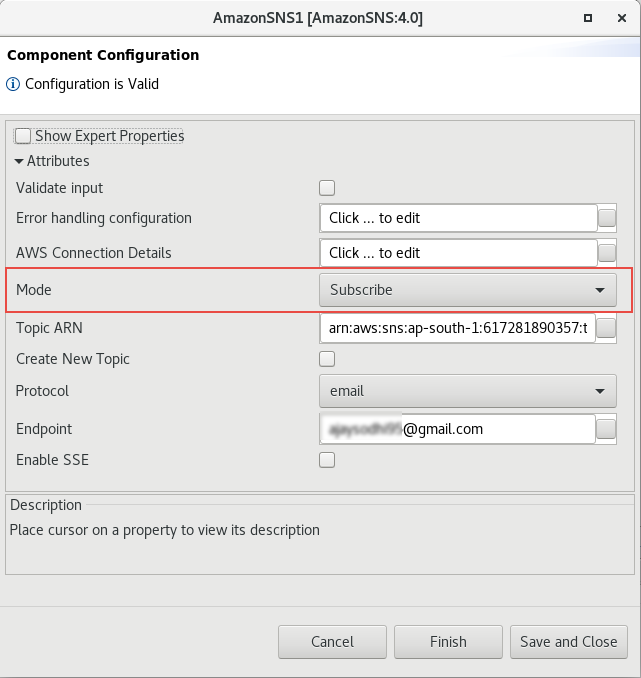
Configure the AmazonSNS component with Mode as "Subscribe", and provide properties such as Topic ARN, Protocol, and Endpoint to connect to the endpoint (if these do not exist already, enable Crete New Topic) as explained in the Component Configuration section.
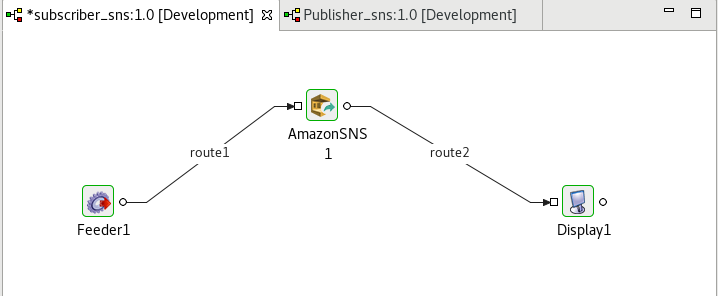
Connect Feeder and Display components to send input and receive output respectively.
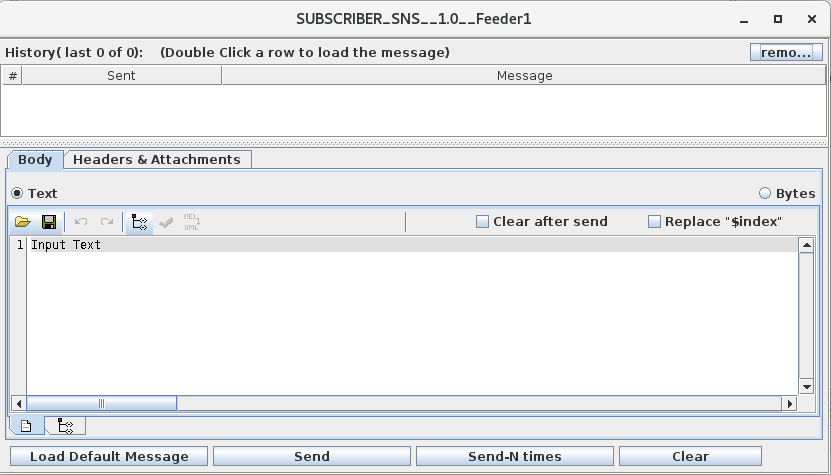
Input
Output
Scenario 2 - Publisher
Configure the AmazonSNS component with Mode as "Publish" and properties such as Create New Topic and Topic name (if there are no existing endpoint properties) as explained in the Component Configuration section.
Connect Feeder and Display components to send input and receive output respectively.
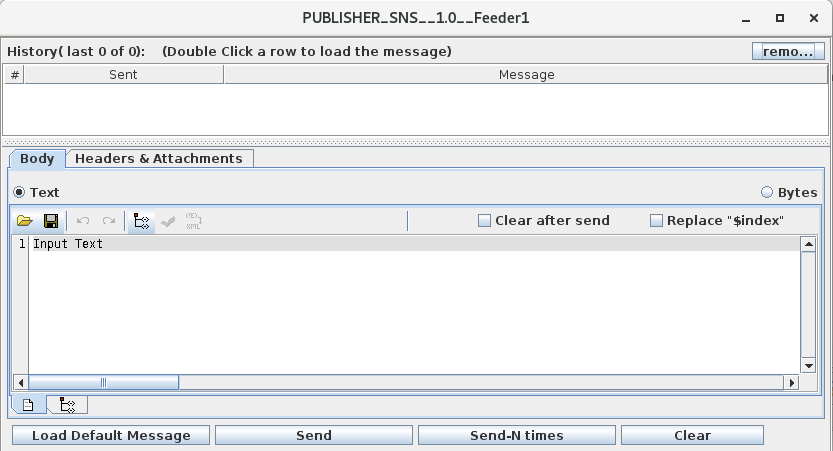
Input
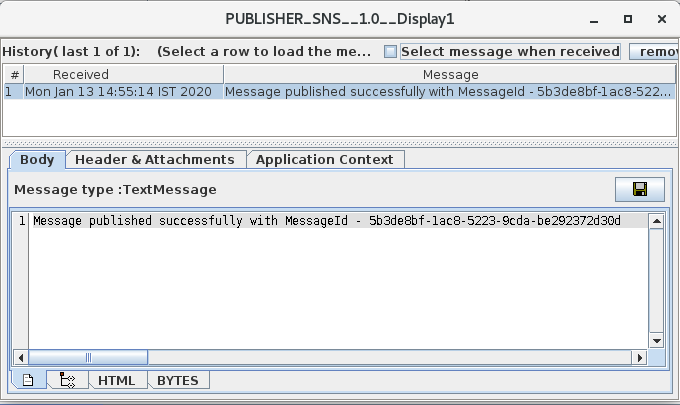
Output