
If a user wants to edit the password,
-
Click the My account link and go to the Edit tab.
-
Type the old password under the Current Password text box and then type the new password twice in the respective text boxes.
-
Save the changes by clicking the Save button.
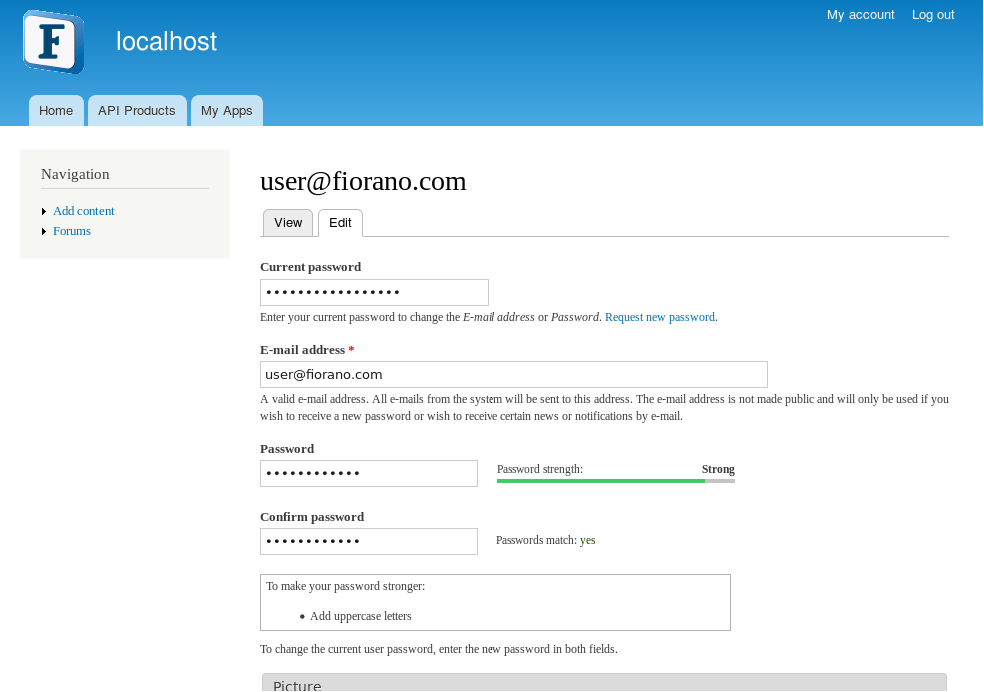
Figure 2: Editing user credentials