
Certain policies may get repeated for each project that is created. To avoid creating the policy manually on a repeated manner, such popular policies can be created in the Policy Repository, which can be further used by different projects.
Click the Add 

Ensure clicking the Save 
Click the Refresh 
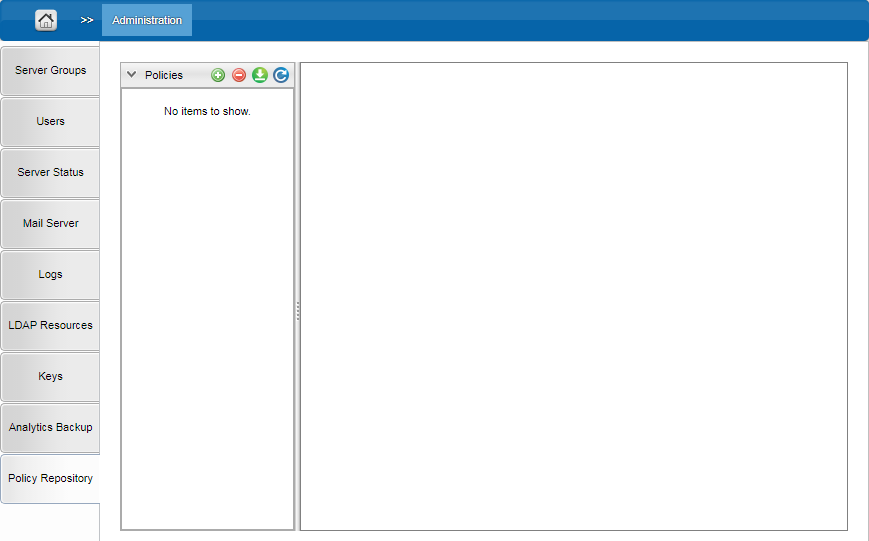
After adding the policies, it can be used by the projects from the Policies screen.